Join a Club

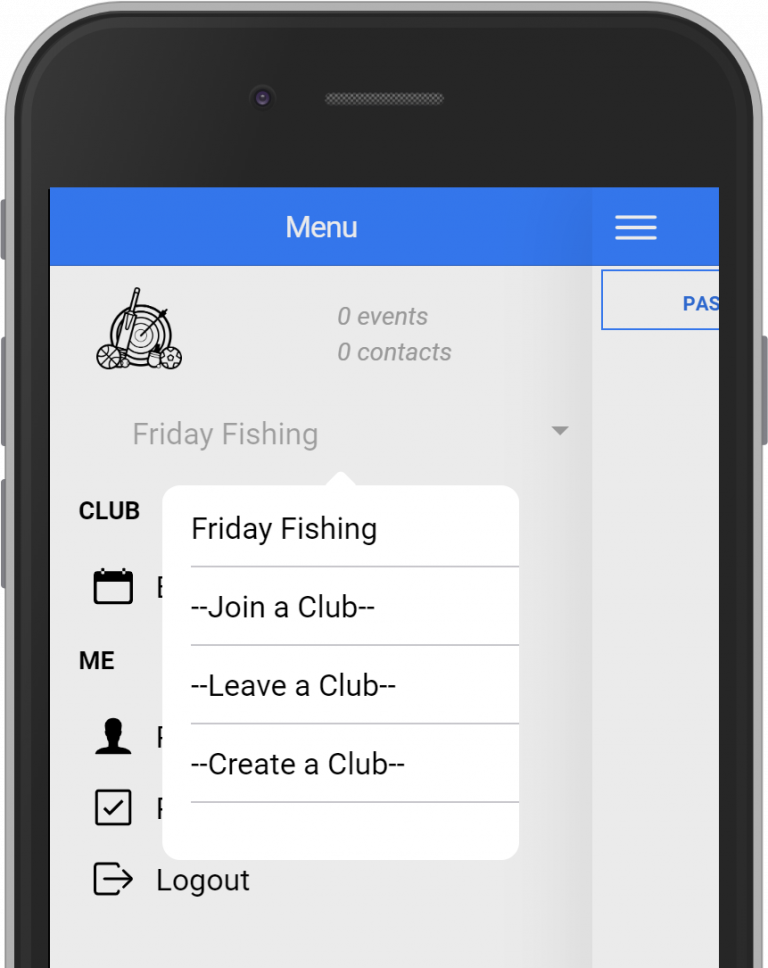
1. If you aren’t a member of a club at the moment, you should press the “Join a Club” button. If you are joining an additional club, then select “–Join a Club–“ from the menu.
2. Both methods will prompt you to enter a club code. This code is 4-6 characters long and should have been given to you by the club administrator.
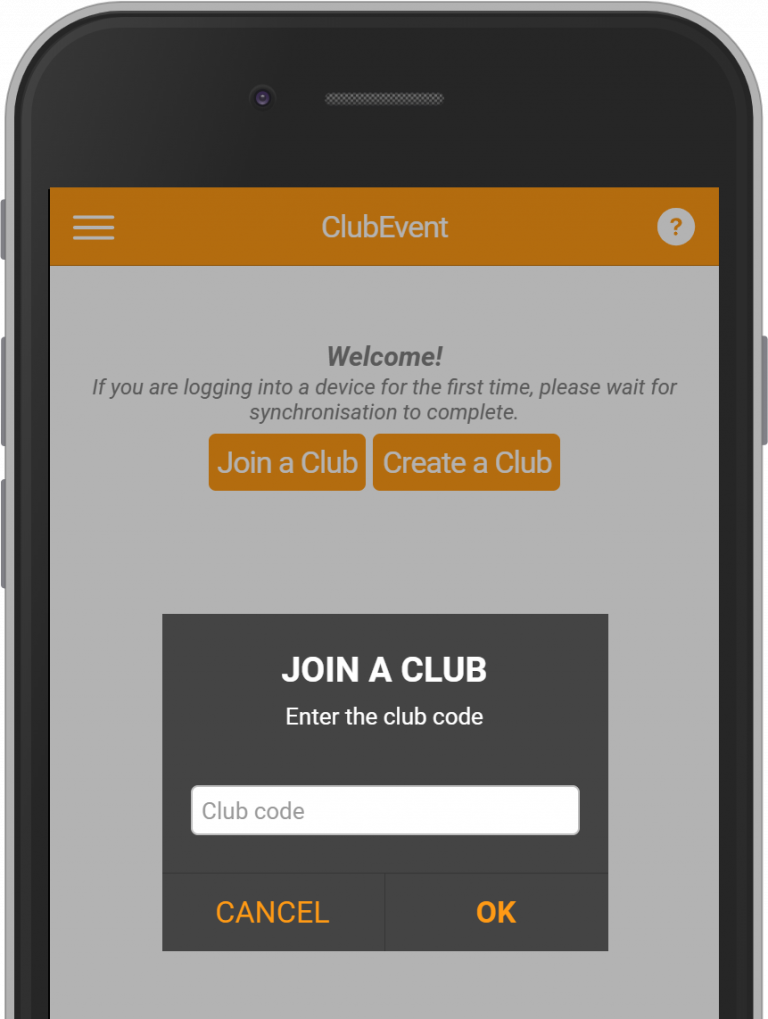
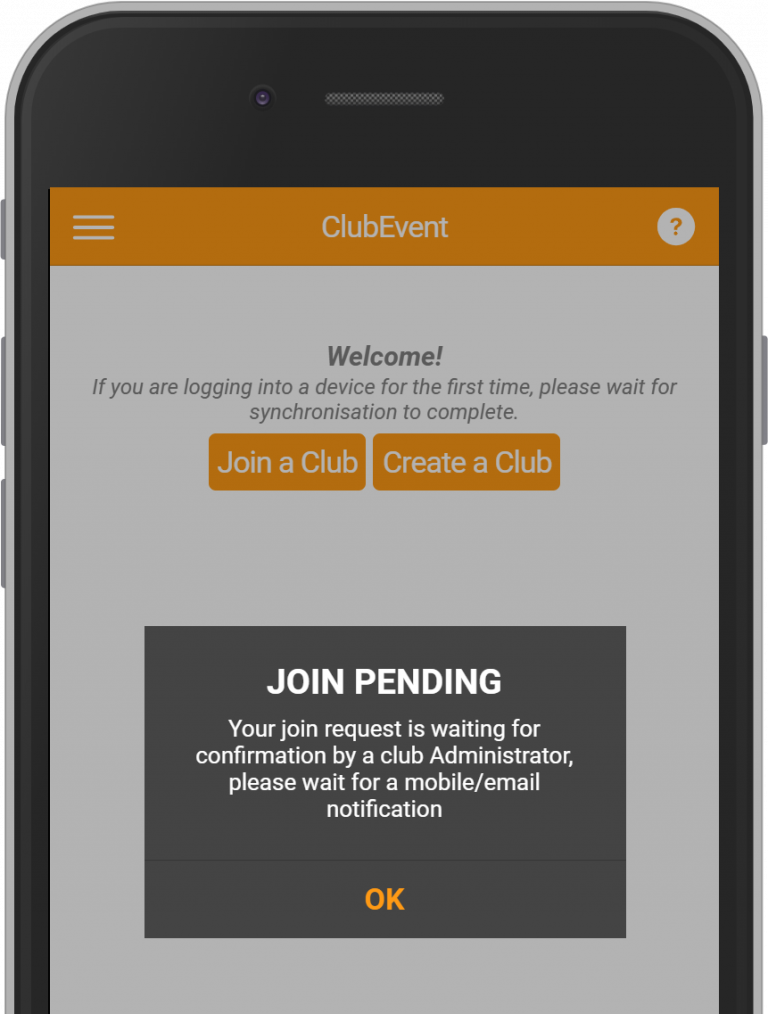
3. After pressing the button, your request will be processed and you should see a message telling you that your request is pending.
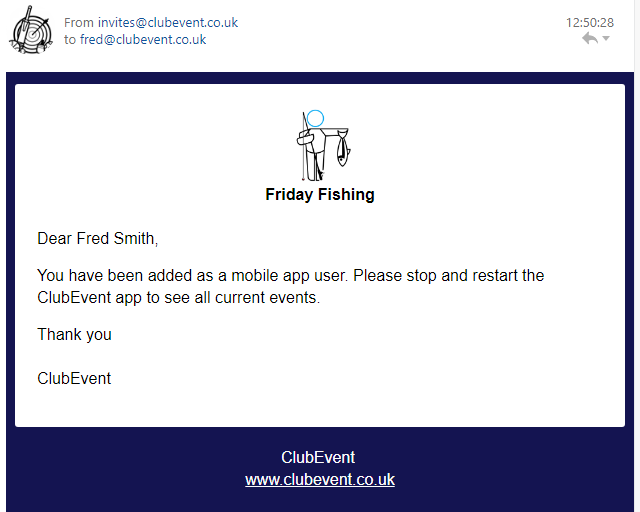
4. A notification has been sent to all club Admins for them to accept or reject your request. You will receive a notification on your phone and an email message, similar to the one shown below