Create a Club

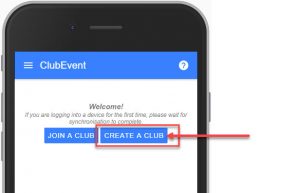
1. If you have the App installed on your mobile device and are NOT already a member of a club, use the “Create a Club” button on the home screen.
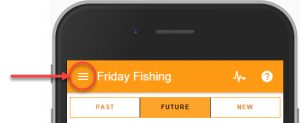
2. If you are already a member of a club, tap the Menu button in the top left,
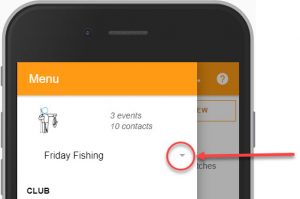
3. Select the drop-down option beside your existing club name.
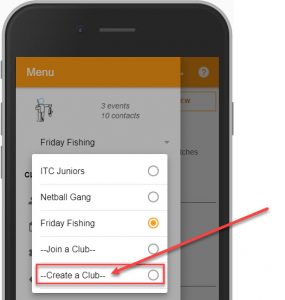
4. Select the “Create a Club” option.
New Club fields
- Club Name: this will be seen by everyone.
- Choose Club Logo: select from one of the standard logos.
- or Custom Logo using the UPLOAD LOGO button (Logos should be small, ideally less than 1024 x 1024 pixels. Larger pictures are accepted, and will be reduced in size before storing).
- Club Location: The clubs general location, eg: “Southampton”, or “Wembley Stadium”
- Club County: The County or State that your club is in (important for US clubs – to determine correct timezone).
- Club Country: Select your country from the drop-down list. Used to determine your club’s timezone.
- Description: Write a few words about your club. These can be shown on the web feed.
- Theme Colour: Select a colour theme for your club.
Suggested How-To’s to look at next:
- Club Settings
- Adding Club Members